Now live on Google Play and the Apple App Store
Get your pharmacy online. Download FillPrescript.
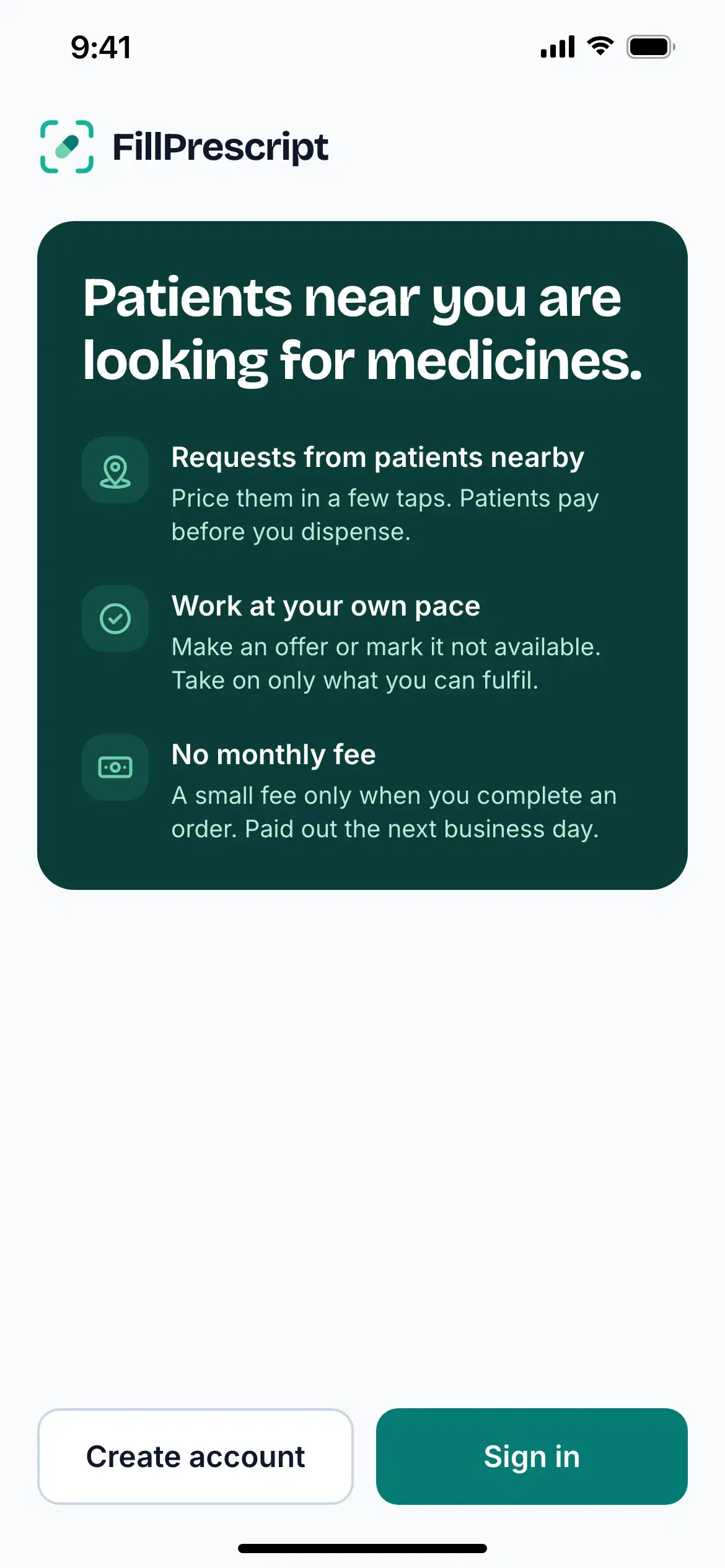
Claim your pharmacy with your PCN premises licence number in about five minutes, list your range, and start receiving orders and requests from patients in your area. No upfront cost, no monthly fee — a service fee only when you fulfil an order, with next-business-day settlement.
How to get started
Up and running in three steps.
Download FillPrescript
Get the app on Google Play or the App Store and create your pharmacy account.
Claim your pharmacy
Enter your PCN premises licence number to claim your pharmacy. We verify it against the PCN register and pre-fill your profile.
List and start receiving orders
List your range — Quick Shop covers products sold without a prescription, and patients can request anything else — then start receiving orders.